Ellipal Titan Review
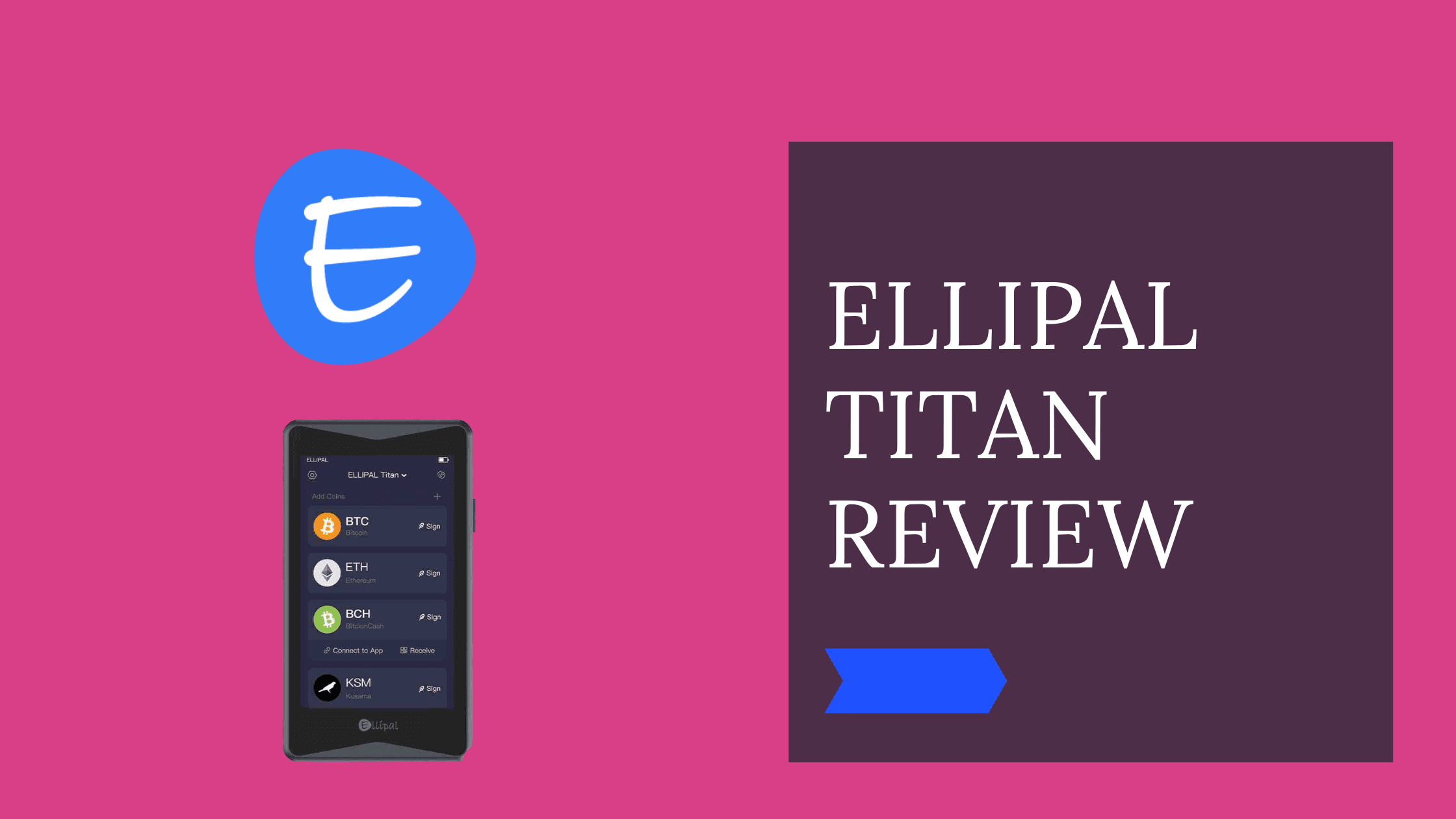
A new generation hardware wallet
Pros
- Air-gapped security cold wallet
- Big color LCD screen
- Open-source Firmware
- 10000+ coins and tokens
- Protects against remote and physical attacks
- DApps and cold staking
Cons
- firmware update is a bit more complicated
- No desktop application
Disclosure: We earn affiliate commissions on some products linked here. This never affects our rankings.
Affiliate link — we may earn a commission at no extra cost to you.
This Ellipal Titan Review will give you detailed insights into the next-generation hardware wallet.
I have been a Master of Computer Science and an Entrepreneur for almost 20 years and had my first contact with Cryptocurrencies in 2013. I was using all kinds of hardware wallets myself, and in this review, I will do an in-depth check of the Ellipal Titan for you.
We will have a look at:
- the companies background
- the best Features
- the Hardware
- Security
- how to set it up and make the first steps
- Supported Cryptocurrencies
- the price
- and other Ellipal products
Let's get started with the review!
At a Glance
At a Glance: Ellipal Titan
| Type of Wallet | Cold Storage Hardware Wallet |
|---|---|
| Currencies: | 10.000 + Coins and Tokens |
| Purchase Cost: | $169 |
| Incorporated Exchange: | Yes |
| Mobile App: | Yes |
| Device Size: | 118 * 66 * 9.7 mm |
| Touchscreen: | 3.97 inches color LCD display |
| Special Features: | Airgapped |
Ellipal Titan: Background
ELLIPAL Ltd was established in 2018, headquartered in Hong Kong by the three founders David Tian, Founder, Tong Chen, Founder & CEO, and HAO NING, Founder & CMO. The company is a blockchain technology firm focused on cryptocurrency security and blockchain services.
After Ellipal completed an angel round and the Indiegogo Campain (raised $55.000) in 2018, the first air-gapped hardware wallet Ellipal Titan was launched. The focus is on making a wallet that is secure as a bank deposit box but easy to use as a hot wallet.
💡 Air-gapped means that the wallet is completely network isolated and only signs transactions using QR codes.
Today Ellipal has users in over 100 countries worldwide.
Let's have a look at the hardware components.
Ellipal Titan Cold Wallet: Hardware
The hardware wallet case is made of special aluminum and silicon with no ports. The Hardware is designed to protect against physical disassembly and supply chain attacks. The aluminum case also ensures that the device is dust and waterproof.
The total size is 118 * 66 * 9.7 mm, with a 3.97 inches color LCD display. The large screen touch screen makes it convenient to use.
Their only way to communicate with the outside world happens via scanned QR codes and through the display. One core concept is that the device is air-gapped, and there is no need for USB, Bluetooth, WIFI, NFC, or Cellular.
The device has a 1400mAh battery on board, allowing a standby time of around 11 days. The built-in 5mpx camera allows scanning the QR codes for making transactions.
The Hardware allows secure, smooth access to your digital cryptocurrency assets.
Ellipal Titan - The wallet
Ellipal Titan: Security
Crypto hardware wallets are the most secure way to store your cryptocurrencies. Each hardware wallet, like Ledger or Trezor, has its own concepts and advantages and disadvantages.
The Ellipal cold storage device has numerous security measures on board. One of the security features is the air-gapped feature, which protects against remote attacks.
Another unique feature is the anti-disassembly feature. The metal is a fully sealed hardware wallet and protects against physical and supply chain attacks. If an attacker gets physical access to the device and tries to open it up, the keys on the device will be deleted, and the physical device will be useless.
That's a great feature considering that other secure hardware wallets like Trezor and Ledger are not protecting against physical attacks.
Another critical factor is that the Ellipal Titan Codebase is open-source on Github and can be inspected by anybody. Most hardware wallets are making the most extensive parts of their source code available public. Ellipal even encourages talented security researchers to try to find vulnerabilities in their source code and reward them with their bounty program.
With all those features, Ellipal could be one of the most secure crypto wallets.
Let's have a look at the features now.
Ellipal Titan: Best Features & Functionality
Send and Receive coins with ELLIPAL.
One of the basic features of the hardware wallets is that they can send and receive coins. Unique with Ellipal is that is mainly based on QR codes.
Exchange Coins with ELLIPAL
Ellipal has partnered up with Changelly and SWFT to be able to exchange your coins for another coin without needing to transfer them to an online exchange. All this happens quickly and securely.
At the moment, Bitcoin (BTC), Ethereum (ETH), Tether (USDT), Binance Coin (BNB), Cardano (ADA), XRP (XRP), Dogecoin (DOGE), Bitcoin Cash (BCH), Litecoin (LTC), Stellar (XLM), TRON (TRX), Bitcoin SV (BSV), Dash (DASH), Decred (DCR), Firo (XZC), Bitcoin Diamond (BCD), SmartCash (SMART), DigiByte (DGB) are supported.
Purchase Crypto with ELLIPAL
Using Visa, Mastercard, and Apple Pay, you can directly buy Cryptocurrencies with the ELLIPAL App. This is possible through the ELLIPAL partner's Simples and MoonPay if your purchase exceeds a certain amount, you need to verify your identity.
At the moment, you can directly buy Bitcoin (BTC), Ethereum (ETH), Binance Coin (BNB), Cardano (ADA), XRP (XRP), Dogecoin (DOGE), Bitcoin Cash (BCH), Litecoin (LTC), TRON (TRX), Dash (DASH), DigiByte (DGB)
Cold Staking with ELLIPAL
The cryptocurrency hardware wallet makes it also possible to cold stake some of your coins on your device directly. Your staked coins will be delegated to a staking pool, and you earn rewards while your assets are kept securely on your completely air-gapped hardware wallet.
You can now stake the following coin directly from your mobile wallet.
| Coin | Min. deposit | Estimated APY |
|---|---|---|
| Cosmos (Atom) | 0.000001ATOM | 10% |
| Tezos(XTZ) | 100.5 XTZ | 3.69% |
| Polkadot(DOT) | 120 DOT | 8.8% |
| Kusama(KSM) | n/a | 7.3% |
| Cardano(ADA) | 4 ADA | 5% |
Connect Cold wallet to Dapps
There are over 200 Dapps available that you can use with your Ellipal. You can use the discover page in your ELLIPAL App, enter the Dapp URL, select Metamask or Walletconnect and link your Ellipal wallet with the Dapp. That's it.
Throughout this simple process, you can access to decentralized services like Swapping, transaction NFTs, Lending, Borrowing, and Staking functionalities.
Titan compatible Dapps
Ellipal Titan: Supported Cryptocurrencies
Ellipal supports over 40 blockchains and 10.000 Coins and Tokens without the need to install an app on the device.
Under the big names like Bitcoin (BTC), Ethereum (ETH), Tether (USDT), Binance Coin (BNB), Cardano (ADA), Polkadot (DOT), Fantom (FTM), Avalanche (AVAX), you also store coins like Helium(HNT), e-Radix (EXRD) or Marshall Inu (MRI).
Here you find the full list of all the coins.
Besides storing, you can also stake five, buy eleven, and exchange around 40 different coins and tokens different coins directly from your cryptocurrency wallet.
Ellipal Titan: The first steps
What is in the Box
Ellipal Titan: What is in the box?
1 x Instruction manual
1 x Security Adapter plus
1 x Ellipal Titan cold Wallet
2 x mnemonic phrase paper to write down your recovery seed
1 x Micro-SD card
1 x charging cord
1 x warranty card
How to set up the Ellipal Titan
If you follow the upcoming steps, you are ready to use the wallet.
Create an account with your ELLIPAL Titan
a) Turn on the Ellipal Device
b) Select your language
c) Download your Android or IOS App
d) Press Create account and Fill in the needed information
You need to choose here which kind of address you want to generate. SegWit short for a segregated witness is a Bitcoin address.
Turn the passphrase on; thisis crucial to recover your wallet.
e) Press Backup now and write down your seed phrases (mnemonic words)
You can write them down on paper or, for example, on the Ellipal Mnemomic Metal.
⚠ Never forget if you lose or forget your Mnemonics. Your account and assets are lost. Never store them online or take pictures of the mnemonic words. It would help if you kept them offline and in a safe place. You are your own bank now; if you lose the words, nobody can help you.
f) Verify the mnemonic words
e) Select the cryptocurrencies you want to include and finish the setup process
Pair your Ellipal Titan with the Ellipal App
The App is used to view your balance and create transactions.
a) Select the connect icon on your setup Ellipal
b) Press Connect to Ellipal in the App on your Mobile Phone
c) Scan all the QR Codes on the Ellipal with your Mobile Phones Camera
d) Congrats, you can check your Cold Wallet on your Mobile Phone
Ellipal Mobile Wallet Application
How to make a transaction with Ellipal Titan?
Transactions are initiated via the Ellipal App. The QR is generated and has to be scanned with the camera of the hardware wallet. The hardware wallet-generated QR Code needs to be scanned by the App, and the transaction will be sent to the chosen blockchain network. That's it.
How to update the Firmware of Ellipal Titan?
You can make a firmware update on your Hardware Device with a few simple steps.
- Download the new Firmware Zip file
Go to the Ellipal official website, download the current ZIP archive, and copy it to the Ellipal SD-Card.
- Connect the Adapter to the Ellipal
Turn the Ellipal Wallet off, insert the Ellipal SD-Card with the new Firmware into the Adapter and connect the Hardware wallet to the Adapter. After the charging sign is on, turn the Ellipal on again.
- Update your Ellipal Wallet
Turn the Ellipal Titan on again, go to settings and select the update. The files will be extracted automatically. This can take up to 20 mins, do not disconnect the wallet from the Adapter during the process. After the extraction process, you can start the update, which should not take more than 5 minutes.
Ellipal products and prices
Here is an overview of how the different products are priced. To check the current prices check the website here.
| Product | Description | Price in USD | Buttons |
|---|---|---|---|
| Ellipal Titan Cold Wallet | Hardware Wallet | $119 | Buy now |
| Ellipal Titan Bundle | ELLIPAL Titan Cold Wallet and ELLIPAL Mnemonics Metal. | $149 | Buy now |
| Ellipal Family | Wallet, Mnemonics Metal, Phrase Generator, and Leather Case | $179 | Buy now |
| ELLIPAL Mnemonics Metal | The best way to store your mnemonic/seed phrase. | $49 | Buy now |
| ELLIPAL Joy Mnemonic Phrase Generator | The world's first offline mnemonic phrase generator. | $49.90 | Buy now |
| ELLIPAL Leather Case | Leather Case to Protect your device | $39.90 | Buy now |
Our Verdict
The Ellipal Titan mobile device has a lot to offer. Especially the level of security and the additional features like deep integration of Dapps could make it a competitor to Trezor and Ledger. There are promising developments happening in the cold wallet markets at the moment. We like the first impression of the Ellipal Device and will further test it.
You can get your device here.
Maja & Leo
Reviewed by practitioners who actually use these products.
Related
SecuX W20 Review
SecuX W20 Review
Trezor One vs Model T — Detailed Comparison
The Trezor Model T is the better choice for frequent users thanks to its color touchscreen and advanced security features, while the Trezor One is a solid, budget-friendly cold storage option.
Best for: Best for everyday crypto users and traders who want a premium experience; Trezor One suits budget-conscious HODLers or those wanting a backup device.
Related Posts
Best Crypto Airdrops 2023
This article is about rumors and speculations about some of the most profitable Crypto Airdrops 2022. Airdrops are a great way to get started to build an initial capital in Cryptos or also to get some free money.
Cold Staking - How to stake with Ledger Hardware Wallet
Step-by-step guide to staking crypto in Ledger Live. Earn passive rewards on proof-of-stake coins while keeping your assets in cold storage.
Cold Staking - How to stake your crypto coins with BitBox02 Hardware Wallet
Learn how to stake your crypto coins with the BitBox02 Hardware Wallet. Staking is a process which rewards holders of Proof-of-Stake (PoS) coins for keeping their wallets open and connected to the network. Find out more in this article.
Get notified when we update this review
No spam. Just a heads-up when something changes.
No spam. Unsubscribe anytime.